
YOUR ESSENTIALS, ALWAYS CLOSE
Pin apps, files and folders to your Dock.
Everything you use. One Dock away.
Keep your favorite applications, everyday documents and important folders together in a modern Dock designed for Windows 11.

ONE DOCK. YOUR ESSENTIALS.
More than just apps.
Dockvia brings applications, files and folders together, so the things you use every day have a consistent place on your desktop.

- Apps
- Your favorite apps, ready when you are.
Keep frequently used applications pinned alongside running apps for quick access.
- Files
- Everyday files, easier to reach.
Pin the documents and files you return to often, without leaving them scattered across your desktop.
- Folders
- Important folders, close at hand.
Keep frequently used folders on your Dock for direct access.
SIMPLE BY DESIGN
Drag it. Pin it.
Make it yours.

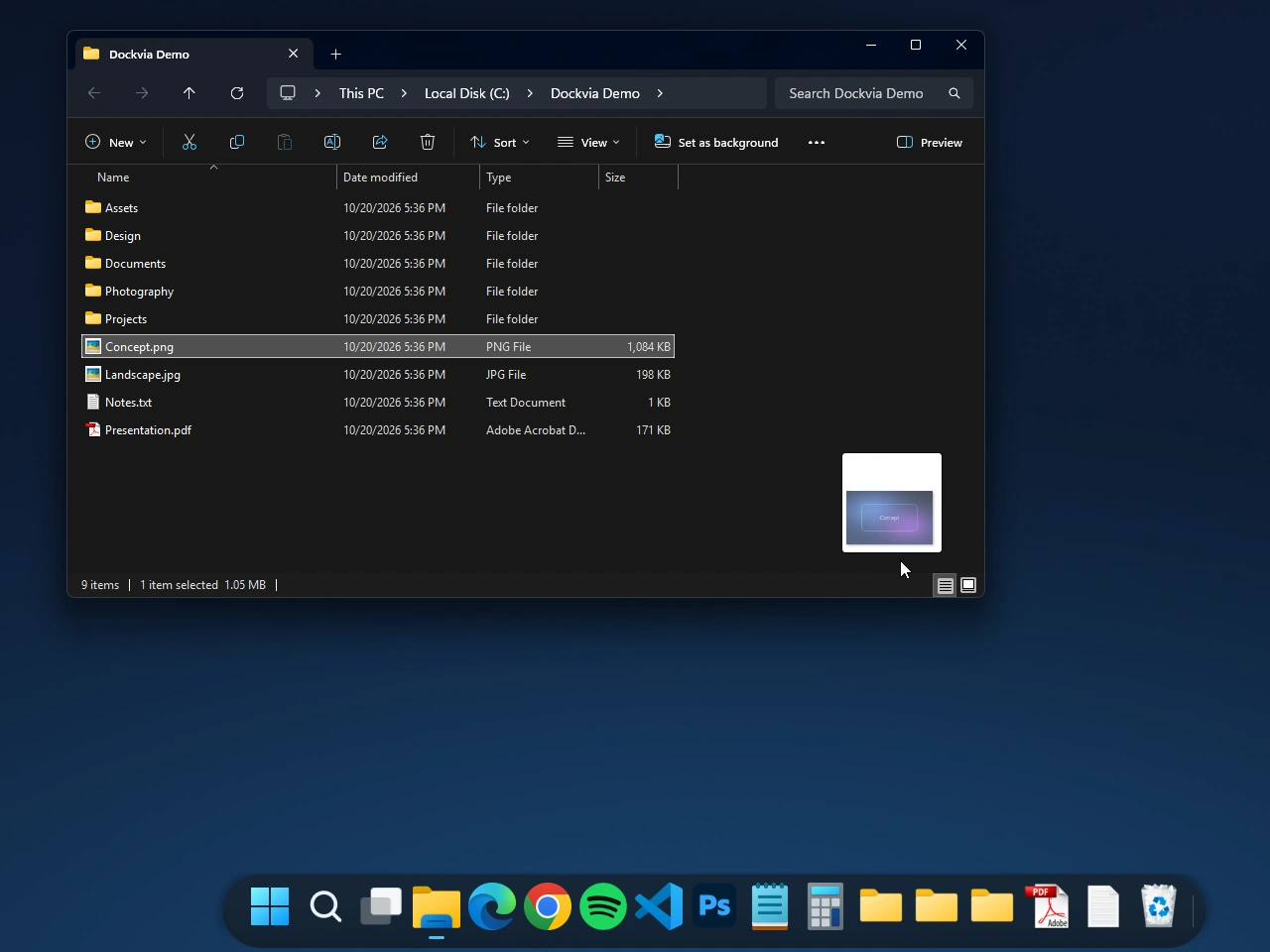
Concept.png dragged from File Explorer Drag an item
Drag an app, file or folder from Windows onto Dockvia.
- Before
 After
After
Concept.png is now on the Dock Real before / after Keep it pinned
Place the item on the Dock to keep it available for everyday access.
- Live move
 Before
 During
 After
After
Calculator moved ahead of Photoshop and Notepad Arrange your Dock
Drag pinned items to organize them in the order that works for you.
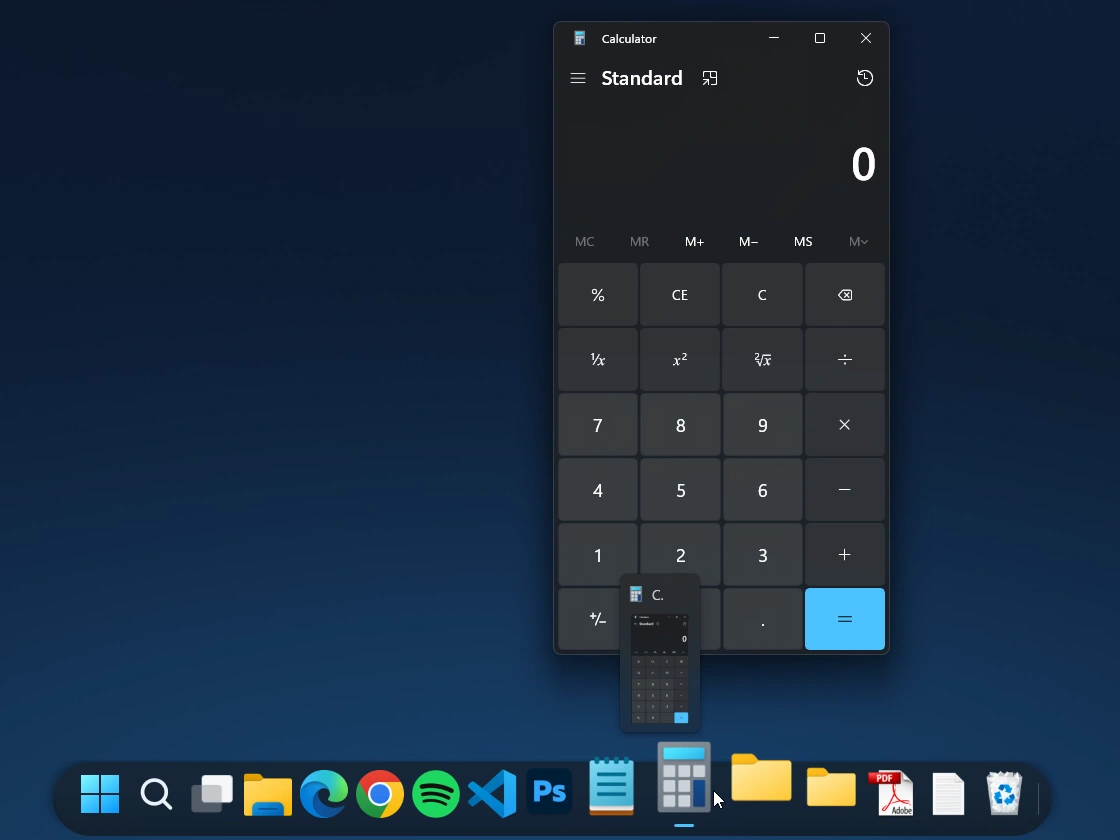
Calculator launched from Dockvia View capture ↗ Open what you need
Select a pinned app, file or folder to open it using its supported Windows behavior.
ORGANIZED AROUND YOUR DAY
Your workspace,
arranged your way.
Whether you're working with applications, project documents or frequently used folders, Dockvia keeps your essentials together.

- Creative Work
- Keep creative applications and frequently used project files close while you work.
- Everyday Productivity
- Bring documents and commonly used applications into a workspace that's easy to navigate.
- Project Organization
- Keep project folders accessible alongside the tools you use to work with them.
MADE FOR YOUR WINDOWS WORKFLOW
Works with the way you work.
Dockvia brings pinned items and running applications together while preserving familiar Windows interactions.
Drag, drop and keep moving.
Drop a file onto a compatible application to open it.
Pins that stay connected.
File and folder pins can follow supported rename and move operations.
Dockvia complements Windows rather than replacing familiar file and application workflows.
Explore the Dockvia User GuideA FEW THINGS TO KNOW
Common questions.
What can I pin to Dockvia?
You can pin supported applications, files and folders to Dockvia for convenient access from your desktop.
How do I pin an item?
Drag an application, file or folder onto Dockvia and place it on the Dock.
Can I rearrange pinned items?
Yes. You can drag pinned items to change their order on the Dock.
Can I open files using pinned applications?
Dockvia supports dropping files onto compatible applications to open them. The available behavior depends on the application.
What Windows version does Dockvia require?
Dockvia requires Windows 11 version 24H2 or later and an x64 PC.
YOUR WORKSPACE, YOUR WAY
Keep what matters close.
Bring your favorite applications, everyday files and important folders together with Dockvia.
 Get Dockvia on Microsoft Store
Try free for 15 days.
Windows 11 24H2+ · x64